- Open POS Register from the left menu.
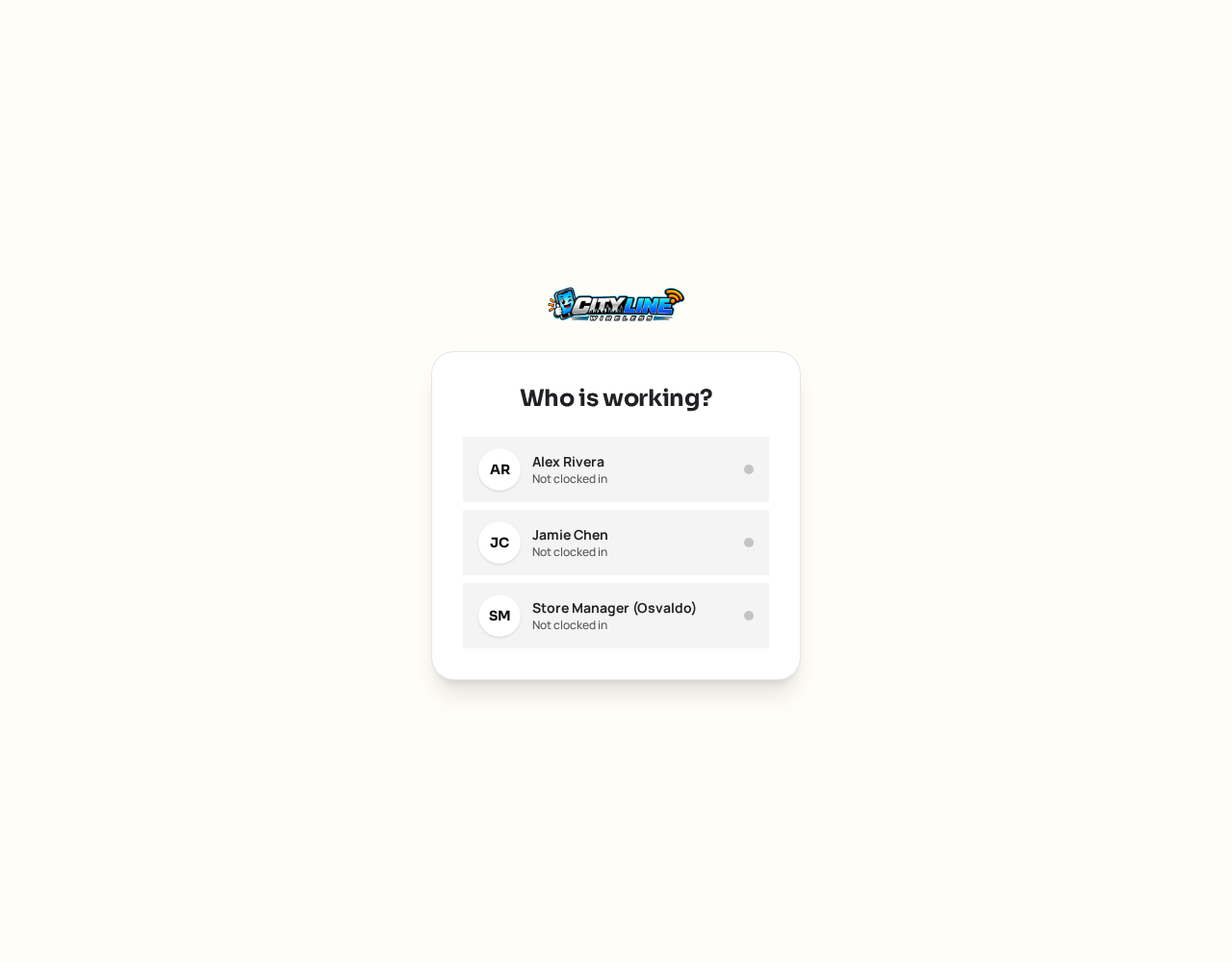
- Pick your name and type your four digit PIN. If the drawer is closed, count the opening cash to open it.
- Tap products to add them, or scan a barcode. Tap a line to change quantity or price.
- Add a discount or a coupon code if you have one.
- Tap Charge and choose how the customer is paying: cash, card, gift card or split.
- For cash, enter the amount given and the screen shows the change due.
- Choose to print, email or text the receipt.
If you pick "All stores" at the top, products repeat once per location. Pick a single store before you sell so the sale is filed against the right location.